

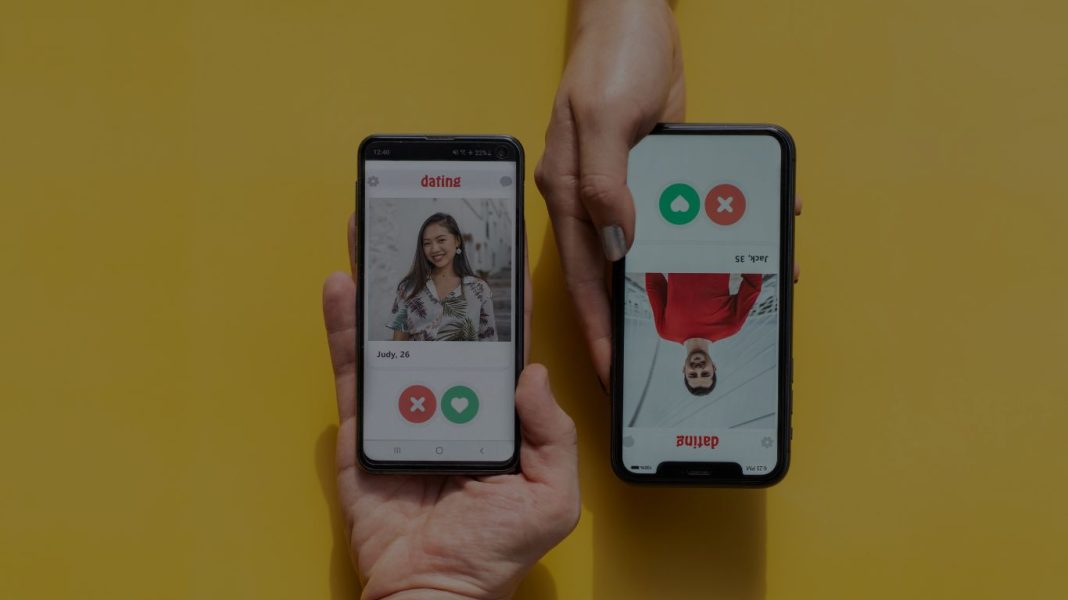

Yes, Bumble subscriptions such as Bumble Boost and Bumble Premium auto-renew, unless you cancel them. This means that at the end of your subscription period, whether that’s monthly, quarterly, or yearly, Bumble will charge your account and automatically renew your subscription for another period.
Article Content
Here’s what to know about auto-renewal on Bumble:
How to Manage Your Subscription? If you decide that you no longer wish to renew Bumble Boost or Bumble Premium, you have the option to disable the auto-renewal feature. To do that, you will have to go to the app store on your device (App Store on iOS or Google Play Store on Android) and modify your settings.
– For iOS (Apple) Users: Open your Settings and tap your name at the top, and choose Subscriptions.
– For Android Users: Visit the Google Play Store, tap on the menu icon and then look for Subscriptions. Locate Bumble in your list and tap Cancel Subscription to prevent the auto-renewal.
Cancellation Notes to Keep in Mind
Cancelling means you’ll have access to your Bumble Boost or Premium features until your billing cycle runs out.
Uninstalling the app doesn’t cancel your subscription. You have to do it through your app store settings.
Once you cancel, there won’t be any charges for the next billing cycle, but you can still access your benefits until the subscription is expired.
Bumble’s auto-renewal feature is intended to provide uninterrupted access to its premium services, but it is always helpful to learn how to manage or cancel your subscription if you don’t need it anymore. You now know how to prevent automatic renewals!

Hi, I’m Elizabeth A., a passionate writer with a knack for crafting engaging, thought-provoking content. I love exploring topics ranging from lifestyle and culture. I aim to inform, inspire, and connect with readers through every piece I create.